Homepage
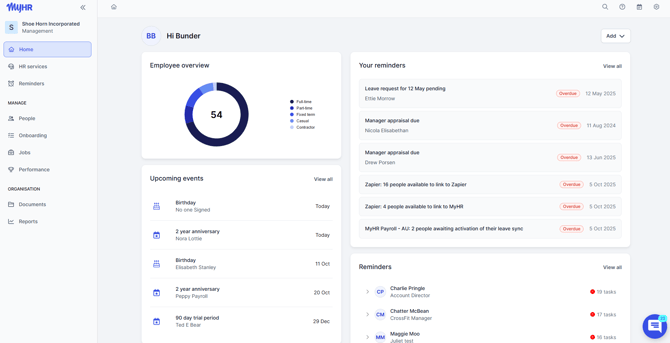
From the homepage, you can:
-
View an employee overview, including your reminders, organisation-wide reminders, and upcoming events.
-
Access Help, including our knowledge base and chat support.
-
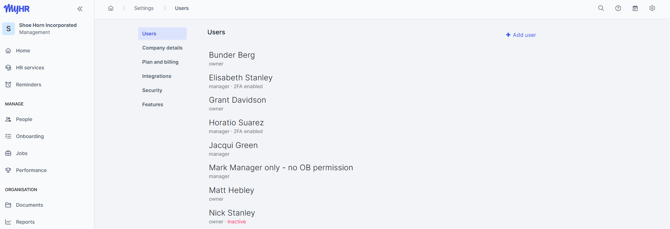
Navigate to organisation settings, including integrations.
-
Open your calendar for a quick view of upcoming events and tasks.
Everything you need is either accessible directly from the homepage or via the side navigation menu.
Settings
Calendar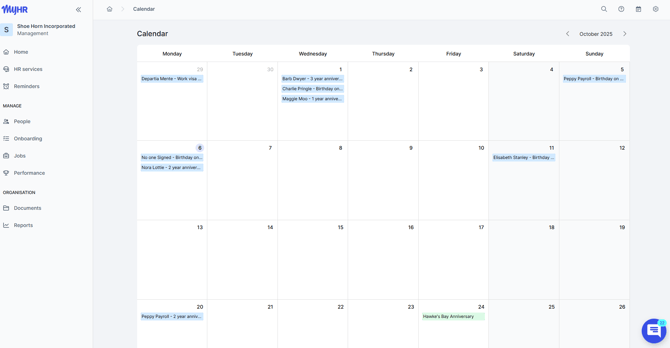
Help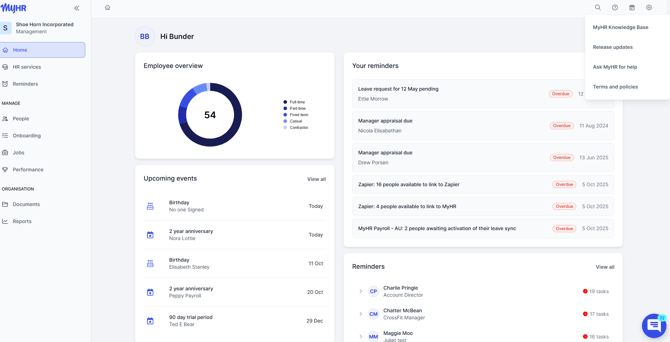
Navigation menu
From the navigation menu on the left hand side, you can access the following:
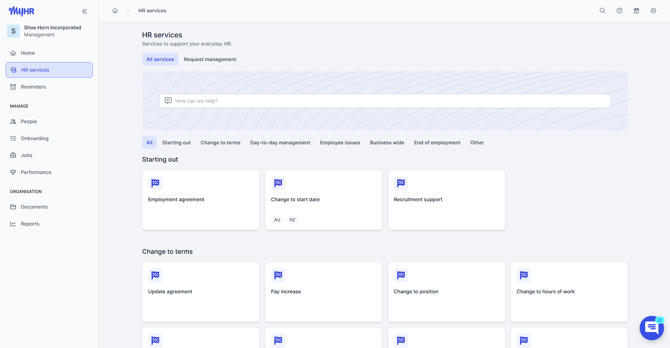
HR services - your one-stop shop for all services within MyHR.- Instantly access ready-to-use HR letter templates.
- Connect directly with our HR team for hands-on support.
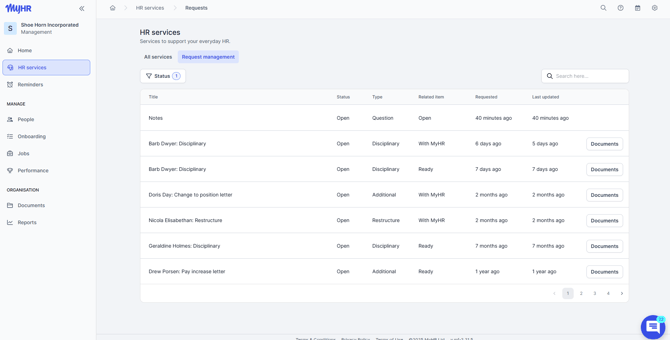
- If you have the appropriate access, you can also view the Request Management section — a history of all your current and past HR service requests.
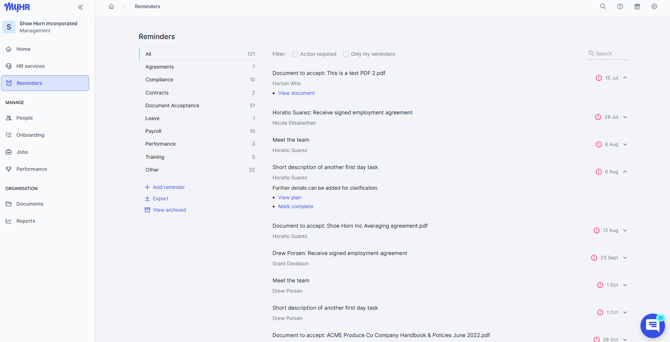
Reminders - manage and track both personal and employee reminders.
- Manage and track both personal and employee reminders.
- Dive into details, attach documents, create new reminders, and generate reports.
- Stay on top of important dates and tasks with ease.
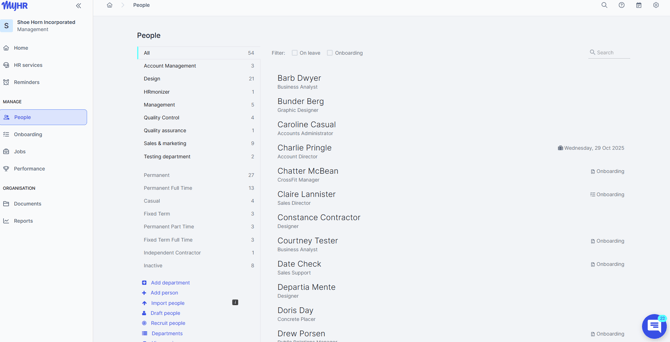
People - all your employee records in one place.
- View your organisational structure by department.
- Add or remove employees and access individual profiles.
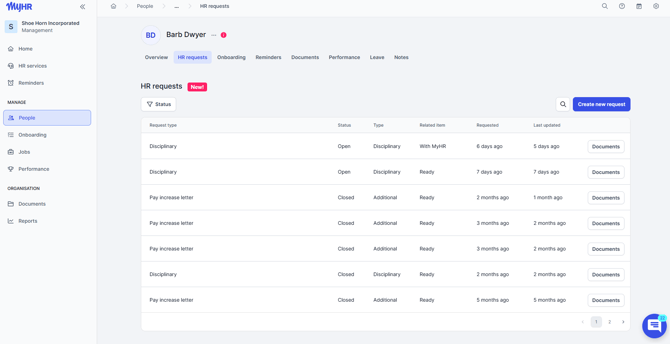
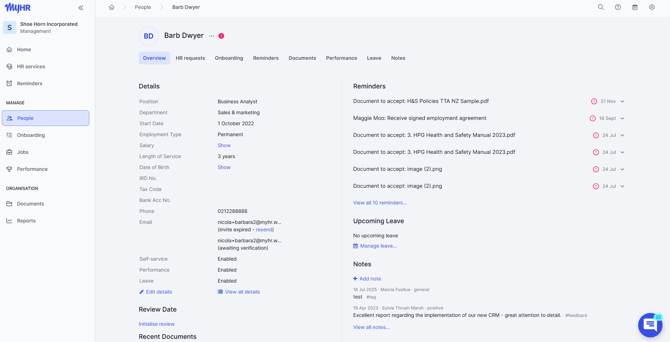
- Employee profiles include:
- HR service requests.
- Editable personal details.
- Documents.
- Notes.
- Performance reviews.
- Leave records.
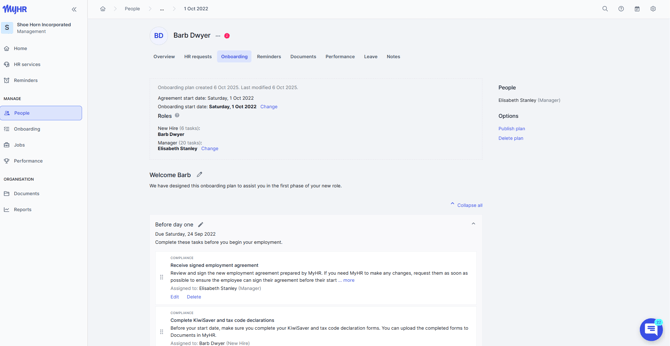
Onboarding - easily manage the onboarding process for new employees.
- Create onboarding plans and templates.
- Assign tasks to ensure a smooth and welcoming experience.
- Track progress and ensure nothing falls through the cracks
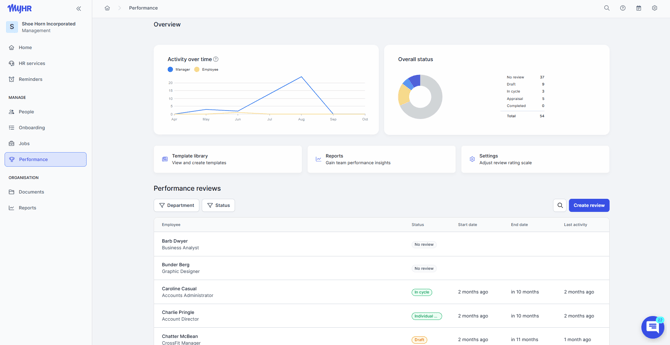
Performance - streamline performance reviews with customisable templates.
- Guide employees through a simple, effective review process.
- Monitor progress and outcomes all in one place.
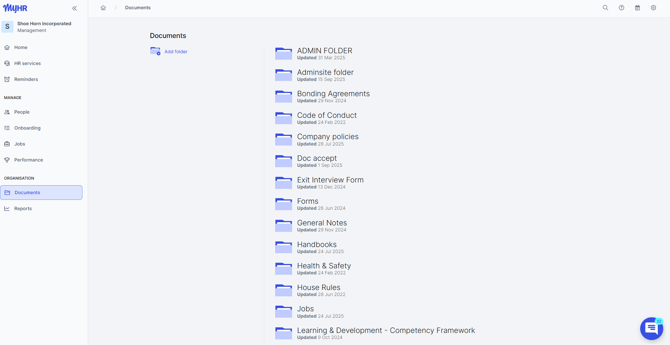
- Organise files into folders for easy access and updates.
- Share documents with employees and track who has read and acknowledged them — ideal for policies, handbooks, and compliance materials.
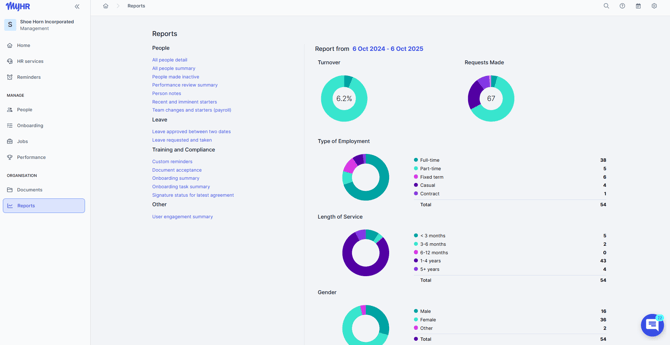
Reports - get valuable insights into your organisation.
- Generate reports on turnover, employment types, HR services, employee changes, leave, training, and compliance.
- Use this data to make informed business decisions.
Support Options
If you need further assistance, our HR and systems support teams are available to help. Contact the MyHR team via the Ask Us chat feature in the platform, or call us on:
- NZ - 0800 69 47 69 (0800 MY HR NZ) or +64 9 887 3345.
- AU - 02 7908 2240.
- CA - 1 855 694 7224.