
- Log in to MyHR and go to settings (⚙️ in the top-right)
- Select integrations and choose the relevant Zapier option
- Head to the settings tab where you'll see the API key - if it's expired, you'll need to regenerate it
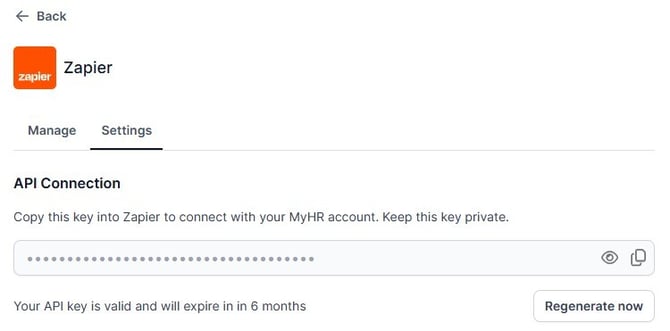
- Copy the API key
- Go to Zapier's App Connections page
- Find the right connection and select 'Reconnect'
- Paste in the API key from MyHR and authorise.
- Done!