
Save effort and get your agreements back quicker
You can now review the information MyHR will use when creating your employment agreement. This lets you catch errors early and provide updates while the agreement is being prepared.
Get changes to employment terms happening at the right time
Whether it’s an updated agreement/contract, change to position, or salary update, you can now schedule changes for your people which will apply once the document is ready and the effective date arrives.
Easily update your employee data
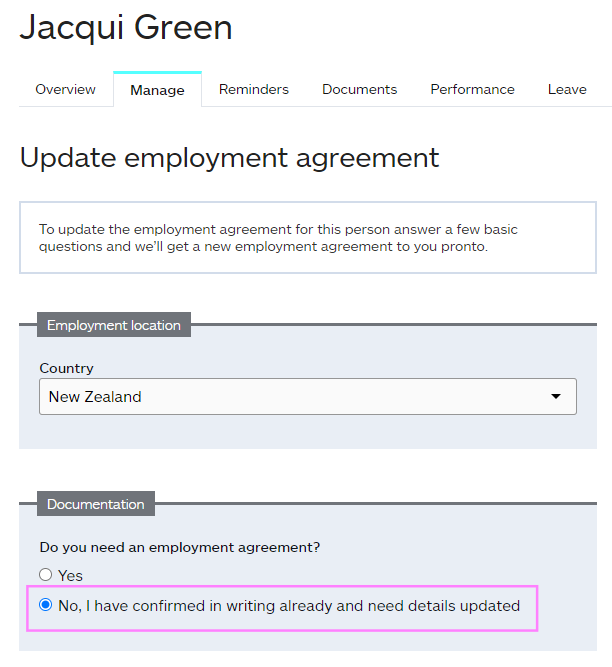
Not every change needs to go through MyHR's team, and you may prefer to handle some admin yourself. That's why it's now easier to keep your people data accurate without needing to contact support. When requesting an agreement update, go to the Employment documentation section and select "I have confirmed in writing already and need details updated". This will update the data in MyHR immediately.
We do recommend maintaining an official written record for any updates to employment terms. However, if you need to update MyHR to reflect changes already agreed upon, you can do so directly.
Keep track of updates for payroll
You now have access to a payroll change summary in MyHR. This summary captures salary or wage changes, bank account updates, and additions of tax identifiers — including IRD numbers (NZ), SINs (CA), and tax file numbers (AU).