
Automatically send pay rates to iPayroll and CloudPayroll
You can now send pay rates from MyHR to iPayroll and CloudPayroll when adding people to payroll. This means less manual data entry and a more complete picture in payroll from day one.
If you already have the integration set up, you’ll need to re-authorise your iPayroll integration and allow the additional access during setup. Once enabled, pay rates will be passed through automatically.
If you don’t re-authorise, your existing integration will continue to work as normal.
How to re-authorise
-
Log in to MyHR.
-
Go to Settings (find the ⚙️ in the top-right), then select Integrations.
-
Select iPayroll NZ.
-
On the settings, select Disconnect.
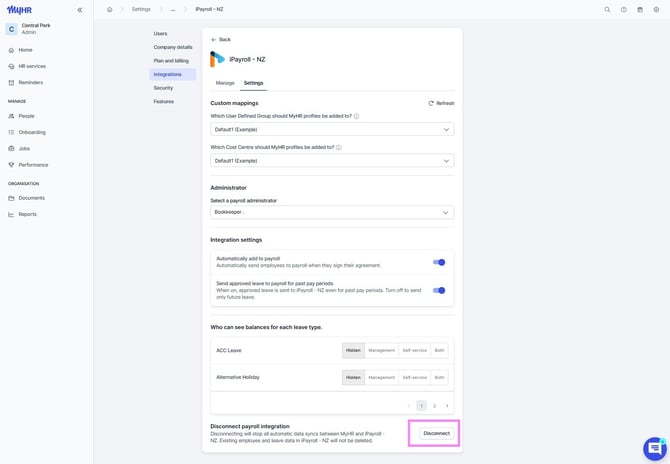
-
Select Connect to set the integration up again.
-
When prompted, allow the additional access to complete authorisation.